Granola vs Otter (2026): Bot-Free Notes or Full Transcripts?
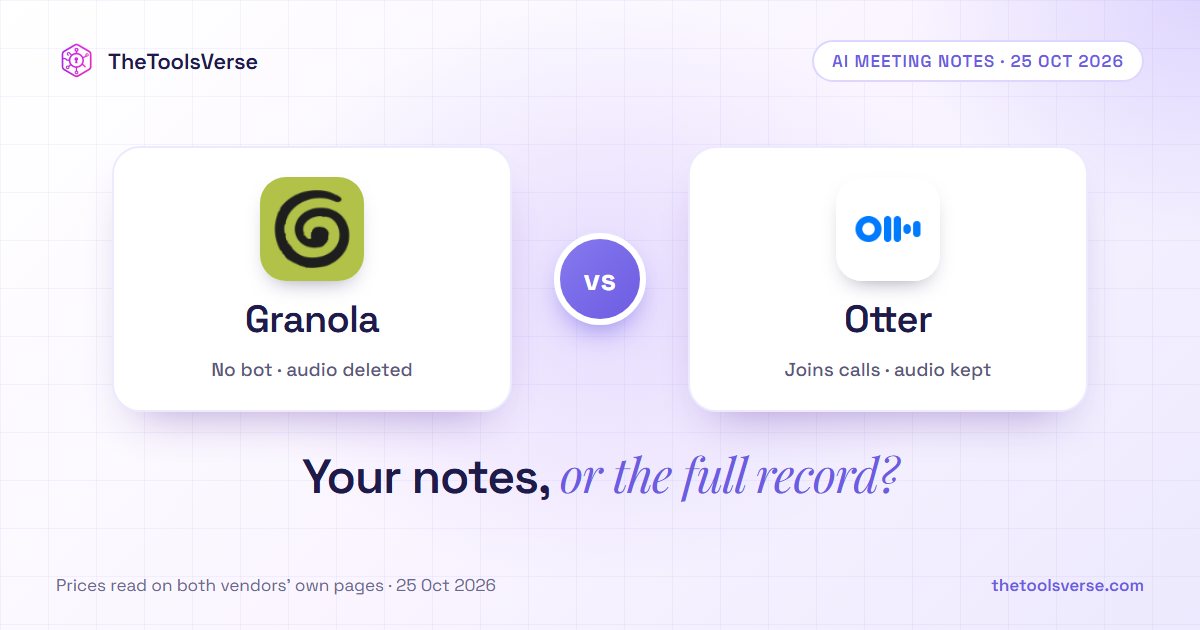
Short answer: pick Granola if you take part in your own meetings and want polished notes without a bot joining the call. It captures audio from your own device, combines the transcript with whatever you type, and deletes the audio after transcription. Business is $14 a user a month, billed monthly only. Pick Otter if the transcript itself is the deliverable: a searchable, speaker-labelled record with audio playback, file imports and a bot that can join meetings for you. Pro is $16.99 a month, or $8.33 billed annually.
TheToolsVerse read both pricing pages and Granola's billing documentation on 25 October 2026, and asked five AI assistants the same question twice. All ten answers split the choice the same way. Three got a basic platform fact wrong.
Granola vs Otter at a glance
| Granola | Otter.ai | |
|---|---|---|
| What it is | An "AI notepad": you type rough notes, and AI turns them and the transcript into finished notes | An AI notetaker and transcription service with live transcripts, recordings and a searchable archive |
| How it captures | Bot-free, from your device's audio | A notetaker that joins Zoom, Microsoft Teams and Google Meet, plus in-app and mobile recording |
| Audio | Deleted after transcription | Kept, with playback (up to 3× speed on paid plans) |
| Apps | Desktop, iOS, Android and Apple Watch (the mobile apps are free) | Mac and Windows, iOS, Android and a Chrome extension |
| Free plan | Basic: AI notes, 30 days of history in the app, no daily transcription limit | Basic: 300 minutes a month, 30 minutes per conversation, your 25 most recent conversations |
| Paid plans | Business $14 · Enterprise from $35 a user a month | Pro $16.99 ($8.33 billed annually) · Business $30 ($19.99 billed annually) · Enterprise on request |
| Billing | Monthly only on Business; annual billing is for Enterprise contracts | Monthly or annual; annual Pro "save 51%" |
| MCP for AI assistants | Yes: personal notes from the last 30 days on Basic, personal and public workspace notes on Business | Yes, an Otter MCP server, listed from the free plan up |
Prices as printed on granola.ai/pricing and otter.ai/pricing on 25 October 2026, in US dollars, per user. Granola's billing terms and its "no daily transcription limit" are from its help article "Subscriptions and billing". From our location, Otter's page also showed Pro at $8.49 and $4.17, footnoted "valid only with an India-issued credit card". We quote the standard prices.
The core difference: your notes, or the full record
Granola writes your notes. You open a note, type a few fragments during the call, and when it ends Granola uses the transcript to turn them into structured notes. Nothing joins the call, and on every plan the audio is deleted once it has been transcribed. What you keep is the written note and the transcript, and you can chat with your meeting history or connect it to Claude or ChatGPT through MCP.
Otter keeps the record. It transcribes live, labels speakers by name, saves the recording, and its notetaker joins Zoom, Teams and Google Meet automatically to write and share notes, so it can cover a call you skip. It also transcribes recorded files you import, something Granola's pricing page and help centre don't list, and exports to mp3, txt, pdf, docx and srt on paid plans.
"Granola is for the person who was in the meeting. Otter is for the person who wasn't, or who needs to prove later exactly what was said. Decide which of those you are before you compare prices."
What five AI assistants recommend (TheToolsVerse panel, 25 October 2026)
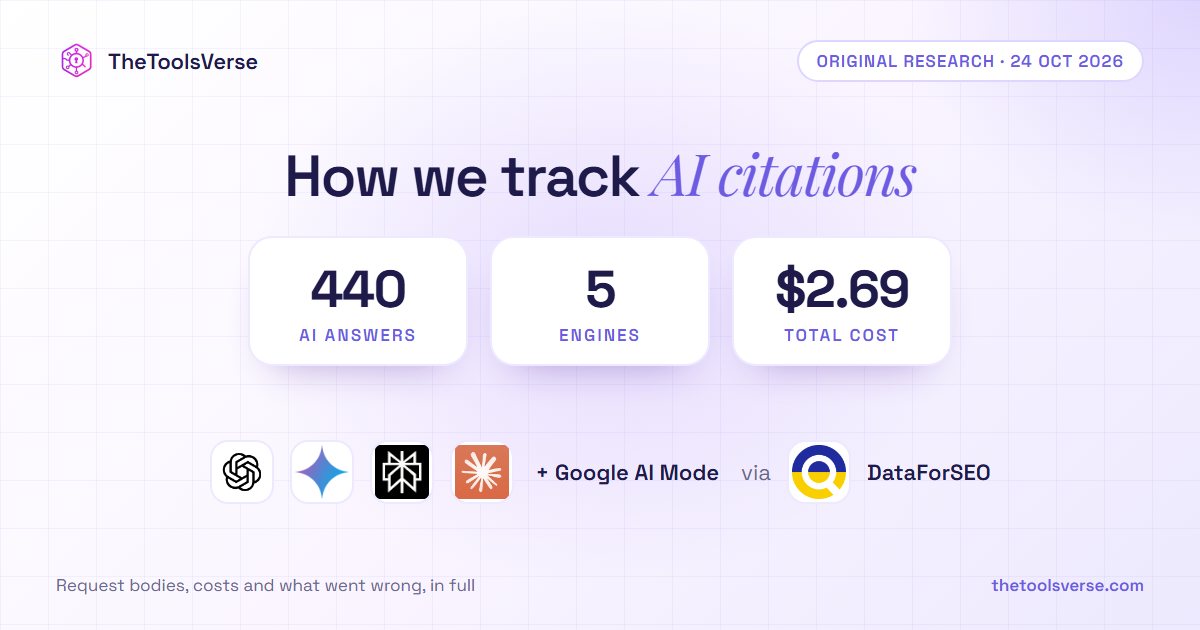
We asked ChatGPT, Gemini, Google AI Mode, Perplexity and Claude "Granola vs Otter, which is better?" and "Should I use Granola or Otter AI for meeting notes?" from a US location. That made 10 answers.
| Finding | Answers |
|---|---|
| Split it the same way: Granola for bot-free personal notes, Otter for transcripts, playback and teams | 10 of 10 |
| Named one tool the better default | 4 of 10, all Granola |
| Said Granola does not keep the audio | 6 of 10 |
| Mentioned recording consent | 3 of 10 |
| Got a platform fact wrong | 3 of 10 |
| Quoted Otter's India-card price as its annual price | 1 of 10 |
The three platform errors:
- One answer said Granola has "limited mobile support". It has iOS, Android and Apple Watch apps, free on every plan.
- One said to pick Otter "if you need Android support". Both have Android apps.
- One said Otter "is video calls only". Otter has iOS and Android apps that record in person.
The split itself is right, and it is the useful part. Where the assistants slip is on what each product runs on, and that is exactly what a buyer checks first.
Method: ChatGPT and Gemini were read through their web interfaces, Google AI Mode from its live results, and Perplexity (sonar) and Claude (with web search) through their APIs. Answers vary between runs, so treat this as a snapshot of 25 October 2026.
Granola: the bot-free notepad
Pros & Cons
Pros
- +No bot joins the call; it captures audio from your own device
- +Audio is deleted after transcription, on every plan
- +Your typed notes steer the summary, so the output reads like your notes
- +Free plan with AI notes and no daily transcription limit; free iOS, Android and Apple Watch apps
- +Business ($14) adds unlimited history, pre-meeting briefs, follow-up emails, the API and integrations with Notion, HubSpot, Attio, Affinity and Zapier
Cons
- −No audio to replay; you keep the notes and transcript only
- −The free plan shows only the last 30 days of notes in the app (older notes are stored, and return when you upgrade)
- −Business is billed monthly only; annual billing is for Enterprise contracts
- −It doesn't attend meetings for you, and its pricing page lists no transcription of recorded files
- −Salesforce, SSO and HIPAA-compliant workspaces are Enterprise only, from $35 a user
Otter: the full record
Pros & Cons
Pros
- +Live transcription with speaker names, saved audio and playback at up to 3× speed
- +A notetaker that joins Zoom, Teams and Google Meet, up to 3 meetings at once on Business
- +Imports and transcribes recorded files: 10 a month on Pro, unlimited on Business
- +Exports to mp3, txt, pdf, docx and srt; Salesforce, HubSpot and Zapier from Pro
- +Pro is $8.33 a month billed annually, with a 20% student and teacher discount
Cons
- −The free plan is tight: 300 minutes a month, 30 minutes per conversation, the 25 most recent conversations, 3 lifetime file imports
- −Pro caps meetings at 90 minutes and 1,200 minutes a month, with 50 AI Chat queries
- −A visible notetaker in the call, which some clients notice
- −Pro workspaces stop at 5 billed users; teams need Business at $30 ($19.99 billed annually)
- −SSO and SCIM need a minimum 100-user licence
What it really costs
| Your situation | Granola | Otter |
|---|---|---|
| Light use, one person | Free (Basic): AI notes, last 30 days visible | Free (Basic): 300 minutes a month, 30 minutes per conversation |
| Heavy use, one person, per year | Business: 12 × $14 = $168 | Pro billed annually: 12 × $8.33 = about $100; monthly 12 × $16.99 = $204 |
| Team of 10, per month | Business: $140 | Business: $300 monthly, or $199.90 billed annually |
| Team needing SSO | Enterprise from $35 a user (SSO for teams of 50+) | Enterprise on request (SSO from 100 users) |
For one heavy user, Otter is cheaper if you pay a year up front, and Granola is cheaper than Otter's monthly price. For a team, Granola Business costs less than Otter Business either way. Otter Pro can't be used instead, because Pro workspaces stop at 5 billed users.
Before you choose
Ask one question: will you ever need to replay what someone said? If yes, Granola can't do it, because the audio is gone after transcription, so choose Otter. If no, try Granola's free plan on a week of real meetings. Whichever you pick, tell participants. Granola can post an automated chat message, and Otter can send a recording disclaimer email.
Which one should you pick?
- You are in back-to-back client or founder calls and want clean notes: Granola.
- You don't want a bot in sensitive meetings: Granola.
- You need verbatim transcripts, audio playback or proof of what was said: Otter.
- You want notes from meetings you won't attend: Otter. Its notetaker joins automatically.
- You transcribe interviews, lectures or recorded files: Otter.
- You are a team of 6 or more on a budget: Granola Business at $14, or Otter Business at $19.99 billed annually if you need the recordings.
TheToolsVerse keeps a full listing for Otter and compares Otter alternatives. Other meeting assistants on TheToolsVerse include Fireflies, Fathom and Read AI. We have also compared MeetGeek vs Otter and TurboScribe vs Otter.
Frequently Asked Questions
Does Granola use a bot?
No. Granola's pricing page lists "bot-free, device-audio capture" on every plan: it records your computer's or phone's audio rather than joining the call. That does not remove the need for consent, and Granola offers features to let participants know it is in use.
Does Granola record audio?
It transcribes audio, then deletes it. Granola's pricing page lists "Audio deleted after transcription" on every plan, so there is no recording to play back. Otter keeps the recording.
Is Granola free?
Yes, on the Basic plan, which includes AI meeting notes, AI chat, shared folders, templates and the mobile apps. Granola says no plan has a daily transcription limit. The catch is history: only the last 30 days of notes are visible in the app. Older notes are stored, not deleted, and return when you upgrade.
How much does Granola cost?
Business is $14 per user per month and Enterprise starts at $35, according to Granola's pricing page on 25 October 2026. Granola's help centre says Basic and Business are billed monthly, and annual billing is available on Enterprise contracts only. Accepted startups and students can get 12 months of Business free, and registered nonprofits can apply for 50% off.
What are Otter's free plan limits?
300 transcription minutes a month, a 30-minute cap per conversation, your 25 most recent conversations, 3 lifetime file imports and 20 AI Chat queries a month, according to Otter's pricing page on 25 October 2026.
How much does Otter cost?
Pro is $16.99 per user per month, or $8.33 billed annually. Business is $30, or $19.99 billed annually, and first-time subscribers were offered $24 for 3 months. Otter's FAQ lists a 20% discount on Pro for students and teachers with a .edu email.
Final verdict
Granola and Otter solve different problems, and the AI assistants are right to say so. Granola is the better notepad: no bot, no audio kept, and notes that sound like you, for $14 a user. Otter is the better record: live transcripts, saved recordings, file imports and a notetaker that attends without you, from $8.33 a month billed annually.
Pick by what you need afterwards. A clean note of a meeting you were in: Granola. A searchable, replayable record of what everyone said: Otter.
Compare more AI meeting tools
Meeting assistants and transcription tools with prices read from the vendors, on TheToolsVerse.
Explore transcription toolsArticle by Sohail Akhtar, Founder of TheToolsVerse. Read on 25 October 2026 from granola.ai/pricing, Granola's help-centre articles "Subscriptions and billing" and "Cancelling your subscription", and otter.ai/pricing. AI-assistant answers collected by TheToolsVerse on 25 October 2026.
Neither Granola nor Otter paid for this comparison. This article was drafted with the help of Claude, an Anthropic model, and every fact was checked against the vendors' own pages. How paid placements work.
Some links may be affiliate links. We may earn a small commission at no extra cost to you.
Make an AI tool? Get it into a comparison like this.
Related Articles
Explore more guides and reviews from our experts.