TurboScribe vs Otter.ai 2026: Best Transcription?
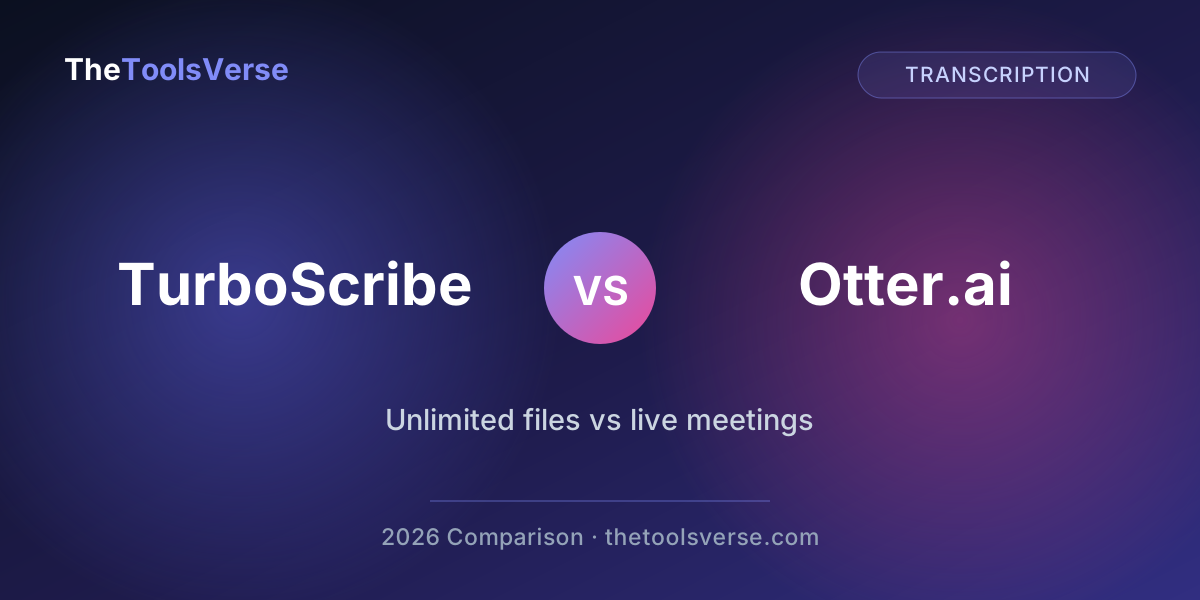
People compare TurboScribe vs Otter.ai all the time — but here's the thing most reviews skip: they're not really the same kind of tool. One is built to transcribe files you upload without limits. The other is built to sit in your live meetings and take notes. Picking the wrong one isn't about quality — it's about buying a hammer when you needed a screwdriver.
I've used both and dug into their 2026 pricing. Here's the honest breakdown of which fits which job, and where each one quietly costs more than it looks.
The 20-second answer
TurboScribe is for files — podcasts, interviews, videos, multilingual audio — with truly unlimited transcription from $10/mo. Otter.ai is for live meetings — it joins your calls, transcribes in real time, and summarizes — but it caps your minutes and is English-first. Match the tool to whether your audio is recorded or live.
TurboScribe vs Otter.ai at a glance
| TurboScribe | Otter.ai | |
|---|---|---|
| Built for | Uploading & transcribing files | Real-time meeting notes |
| Transcription limit (paid) | Unlimited | 1,200 min/mo (Pro) |
| Free tier | 3 transcriptions/day (30 min each) | 300 min/mo (30 min/convo) |
| Real-time meeting bot | No | Yes (OtterPilot joins calls) |
| Languages | 134+ | English-first |
| File length | Up to 10 hours / 5GB | Via upload (limited) |
| Entry paid price | $10/mo (annual) | $8.33/mo (annual), $16.99 monthly |
| AI features | Summaries + ChatGPT chat on transcripts | Meeting summaries, action items |
| Best for | Podcasters, journalists, video, multilingual | Teams living in Zoom/Meet |
Round 1: What they're actually built to do
This is the whole ballgame, so let's be clear.
Otter.ai is a meeting assistant. Its standout feature is OtterPilot, which automatically joins your calendar's Zoom, Meet, and Teams calls and transcribes them live, then spits out summaries and action items. If your day is back-to-back calls, that's genuinely useful.
TurboScribe is a file transcriber. You upload a recording — a two-hour podcast, an interview, a lecture, a video — and it returns an accurate transcript fast. There's no meeting bot; it's a post-production tool.
So the first question isn't "which is better," it's: is your audio live or recorded? Live meetings → Otter. Recorded files → TurboScribe.
Round 2: Pricing and limits — where Otter hides the catch
Both look affordable up front. The difference is in the limits.
| TurboScribe | Otter.ai | |
|---|---|---|
| Free | 3 transcriptions/day, 30 min each | 300 min/mo, 30 min/convo |
| Entry paid | $10/mo annual ($20 monthly) — unlimited | $8.33/mo annual ($16.99 monthly) — 1,200 min |
| Higher tier | (Unlimited is the top) | $20/mo annual — 6,000 min (Business) |
Here's the part that matters: Otter quietly cut its Pro plan from 6,000 minutes to 1,200 minutes — without dropping the price. That's 20 hours of audio a month. A few long meetings and you're out, and you either upgrade to Business ($20/mo) or stop. TurboScribe's paid plan, by contrast, is genuinely unlimited — transcribe hundreds of hours and the price doesn't move.
Do the minute math before you commit
If you transcribe more than ~20 hours a month, Otter's Pro plan will run dry and TurboScribe's unlimited model is far cheaper per hour. If you do a handful of short meetings, Otter's free or Pro tier is plenty. Count your hours first.
Round 3: Accuracy and languages
Both are accurate on clean, single-speaker audio. The differences show up at the edges.
Otter performs well in clear meetings but can struggle with overlapping speech, heavy accents, and technical jargon. It's also English-first — multilingual support is limited.
TurboScribe is built on Whisper-class models, supports 134+ languages, and includes noise reduction that cleans up rough audio before transcribing. For non-English content or messy field recordings, that's a real edge.
Round 4: AI features
Both go beyond raw transcripts. Otter generates meeting summaries and action items linked to the conversation. TurboScribe adds a ChatGPT-style chat on top of your transcript — you can summarize, extract quotes, or repurpose a transcript into content without leaving the app.
For meetings, Otter's action-item extraction is more purpose-built. For turning long recordings into articles or notes, TurboScribe's transcript chat is more flexible.
The honest pros and cons
TurboScribe
Pros & Cons
Pros
- +Genuinely unlimited transcription on the paid plan
- +134+ languages with noise reduction
- +Handles long files (up to 10 hours / 5GB)
- +Free tier is usable (3 per day)
- +ChatGPT chat to repurpose transcripts
Cons
- −No real-time meeting bot
- −Not built for live collaboration
- −Free tier caps you at 30-minute files
Otter.ai
Pros & Cons
Pros
- +OtterPilot joins live meetings automatically
- +Real-time transcription and collaboration
- +Strong meeting summaries and action items
- +Clean integrations with Zoom, Meet, Teams
Cons
- −Pro plan cut to 1,200 minutes at the same price
- −English-first; weak multilingual support
- −Struggles with overlapping speech and accents
- −Heavy users burn the allowance fast
Which should you pick?
The decision, by who you are:
- Podcaster, journalist, or video creator transcribing recorded files → TurboScribe. Unlimited + long files win.
- Team that lives in Zoom/Meet/Teams → Otter.ai. The live meeting bot is the whole point.
- You work in non-English audio → TurboScribe. 134+ languages, decisively.
- You transcribe heavy volume monthly → TurboScribe. Otter's minute caps make volume expensive.
- You mostly need quick notes from a few calls → Otter's free or Pro tier is enough.
"TurboScribe and Otter aren't rivals so much as different tools that happen to both make text from speech. One is for the files on your drive; the other is for the calls on your calendar."
See TurboScribe's full pricing & review
Free tier, unlimited plan, languages, and where it fits — on our verified tool page.
View TurboScribe on ToolsVerseFrequently Asked Questions
Is TurboScribe or Otter.ai better?
It depends on your audio. TurboScribe is better for transcribing recorded files — podcasts, interviews, videos — with unlimited transcription and 134+ language support. Otter.ai is better for live meetings, since it can join your calls automatically and transcribe in real time. For files, choose TurboScribe; for meetings, choose Otter.
Is TurboScribe really unlimited?
Yes. TurboScribe's paid plan ($10/month billed annually, or $20 monthly) offers genuinely unlimited transcription, with files up to 10 hours and 5GB. This is its biggest advantage over Otter, whose Pro plan caps you at 1,200 minutes per month.
How many free minutes does Otter.ai give?
Otter's free Basic plan includes 300 transcription minutes per month, with a 30-minute cap per conversation. Note that Otter reduced its paid Pro plan from 6,000 to 1,200 minutes per month without lowering the price, so heavy users hit the limit quickly.
Does TurboScribe work for languages other than English?
Yes — TurboScribe supports 134+ languages and includes noise reduction, making it a strong choice for multilingual or lower-quality audio. Otter.ai is English-first with limited support for other languages.
Can Otter.ai transcribe uploaded files?
Yes, but with limits — the Pro plan allows around 10 file imports per month, and all transcription counts against your monthly minute cap. TurboScribe is purpose-built for file uploads with no transcription cap on paid plans.
Which is cheaper, TurboScribe or Otter?
Otter's entry price is slightly lower ($8.33/mo annual vs TurboScribe's $10/mo), but it caps you at 1,200 minutes. If you transcribe more than ~20 hours a month, TurboScribe's unlimited plan is far cheaper per hour. For light use, Otter's free tier is the cheapest option.
Final verdict
If your work is recorded audio — podcasts, interviews, lectures, video, or anything multilingual — TurboScribe is the clear pick, and its unlimited model means the price won't punish you for volume. If your work is live meetings and you want a bot that shows up and takes notes for you, Otter.ai is built for exactly that.
Test both free tiers this week against your real audio. The right tool reveals itself in about ten minutes.
Explore more AI transcription tools
Browse our verified directory of transcription and speech-to-text tools, each with honest pricing and an editor review.
Browse Transcription ToolsArticle by Sohail Akhtar, Founder of TheToolsVerse. Pricing reflects publicly listed plans as of June 2026 and can change — always check each provider's site before subscribing. Last updated July 2026.
Some links may be affiliate links. If you buy through them, we may earn a small commission at no extra cost to you — it's how we keep the directory free.
Some links may be affiliate links. We may earn a small commission at no extra cost to you.
Related Articles
Explore more guides and reviews from our experts.