Miro Intelligent Canvas and Sidekick (2026): We Tested Them on a Real Launch Plan
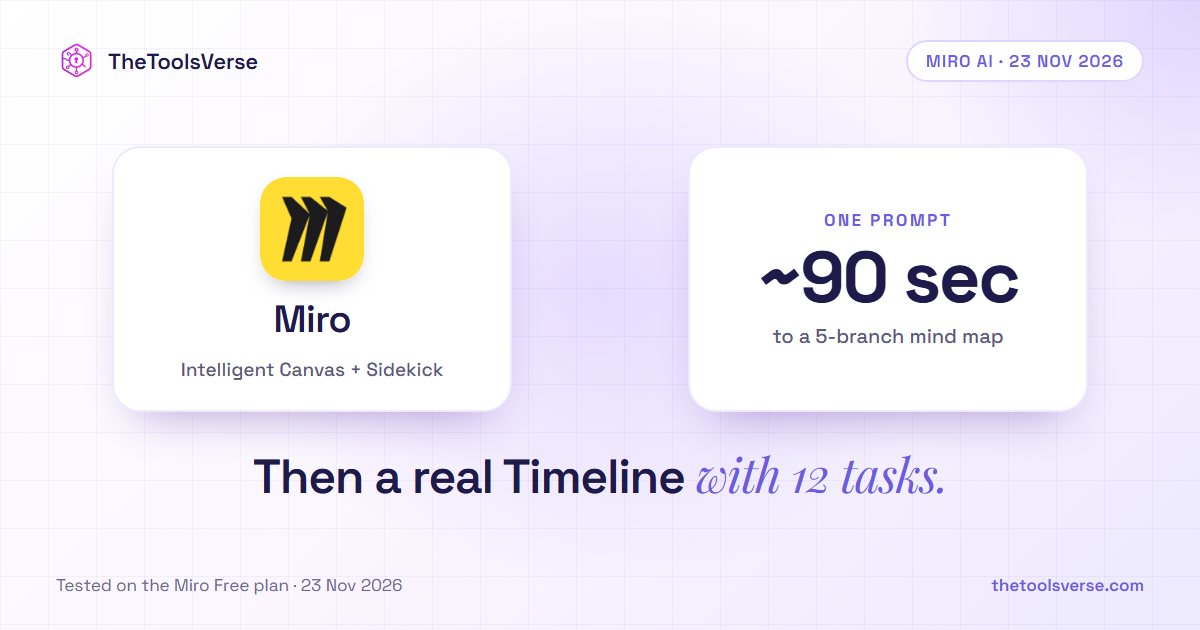
Short answer: Miro's Intelligent Canvas puts an AI assistant, Sidekick, at the centre of the board. You describe what you need in plain English and it builds native Miro objects you can edit, not a picture or a wall of text. In our test, one prompt produced a tidy five-branch mind map in about 90 seconds, and a follow-up added a real Timeline with 12 tasks and an owner on each. It is worth using for the first draft of any plan. Treat what it writes as a draft: it invents placeholder details, and it told us so.
We tested on 23 November 2026, on Miro's Free plan, in Chrome on Windows 11. Everything on the board is about Brewly, a made-up coffee subscription startup, so nothing here comes from a real company.
What the Intelligent Canvas is
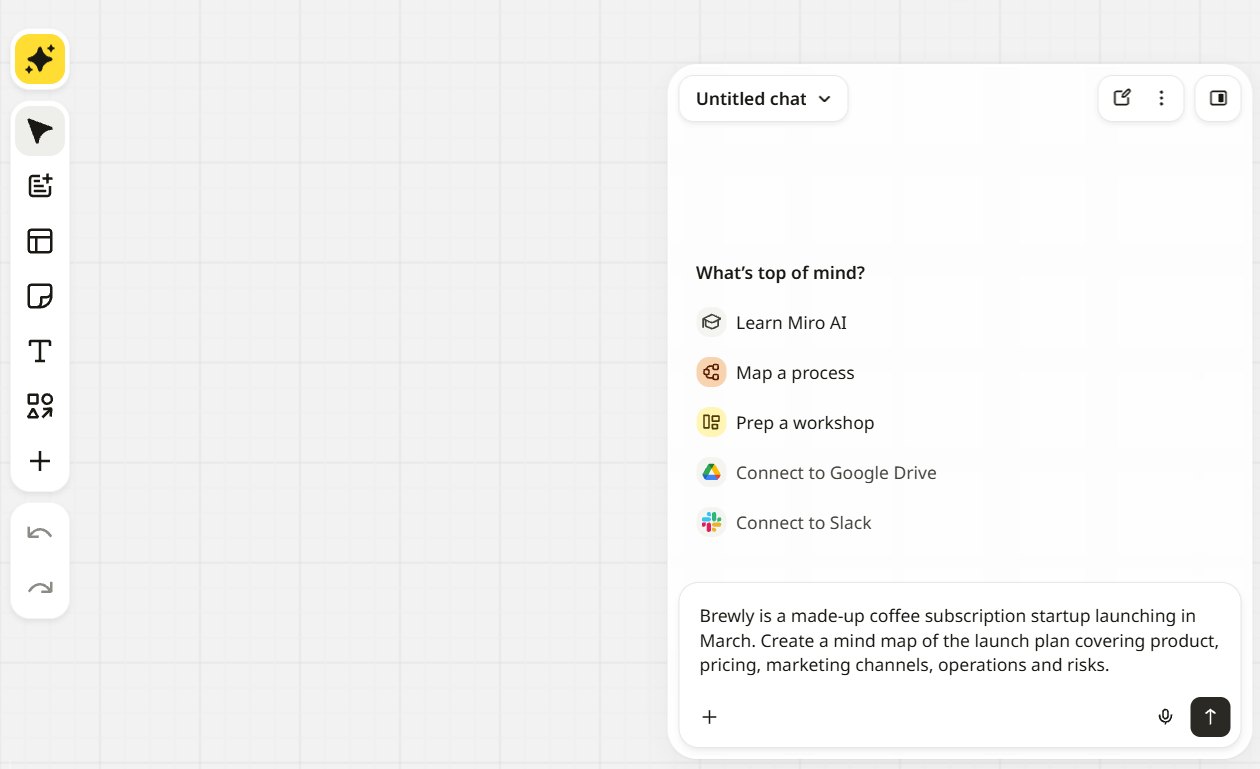
When you open a new board, the first thing you see is no longer an empty grid with a toolbar. There is a Sidekick button at the top of the left toolbar and a prompt bar at the bottom asking "Where shall we start?", with starters such as "Learn Miro AI", "Map a process" and "Prep a workshop".
Behind that bar, Sidekick can read what is on the board and add to it. According to Miro's pricing page, AI on the canvas can generate diagrams, tables and summaries, and it can connect to tools like Claude, Cursor or Copilot through Miro's MCP server.
Test 1: a launch plan from one prompt
We typed one prompt into the bar:
Brewly is a made-up coffee subscription startup launching in March. Create a mind map of the launch plan covering product, pricing, marketing channels, operations and risks.
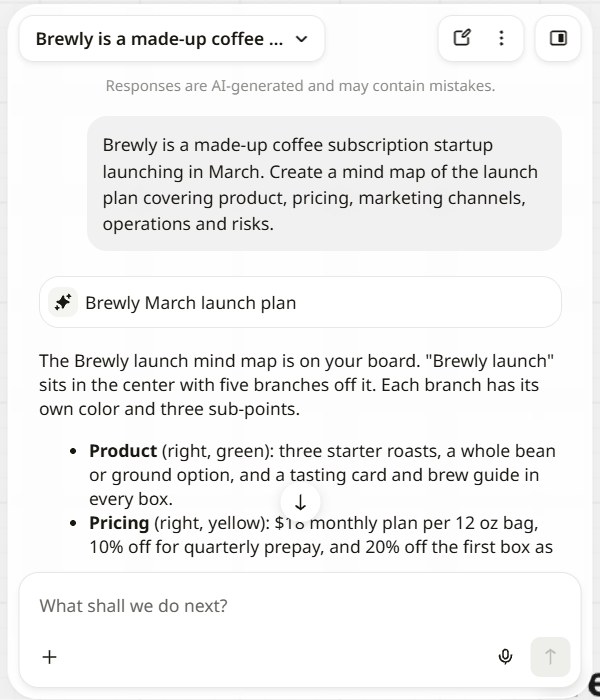
Sidekick worked for about 90 seconds, then reported back in the chat panel: "The Brewly launch mind map is on your board." It also listed every branch and its colour, which makes it easy to check the result without hunting around the canvas.
Here is what it drew:
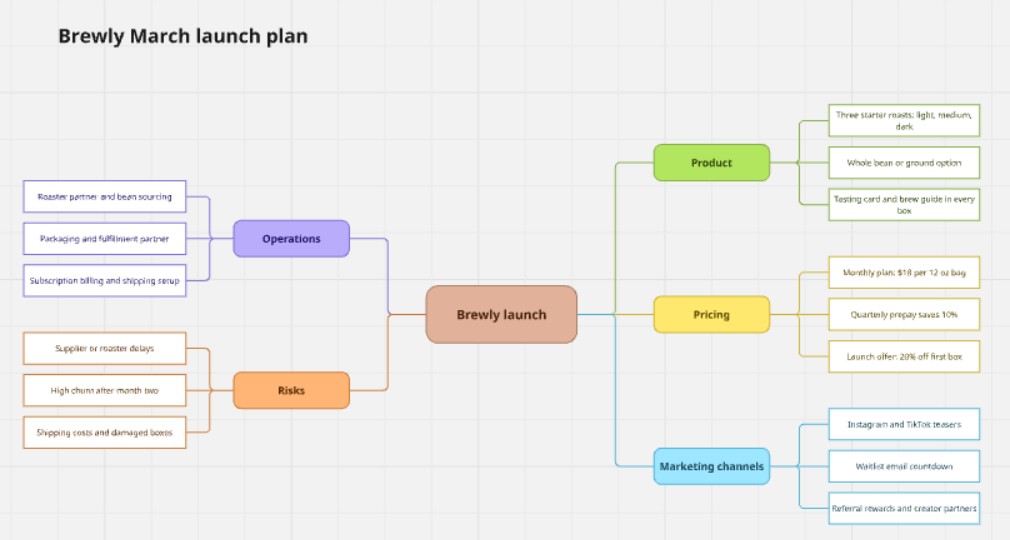
- Structure: "Brewly launch" in the centre, five branches, three sub-points each: 15 ideas in total.
- Layout: branches were split left and right and colour-coded, with no overlapping boxes. Every box is a normal Miro shape you can move, recolour or delete.
- Sensible content: "high churn after month two" and "shipping costs and damaged boxes" under Risks are exactly the kind of points a real team would raise.
Two things Sidekick told us itself are worth repeating:
- It invents details. "Brewly is made up, so I invented the details, including the prices and discounts. They're placeholders for you to replace." That's fair for a fictional company, but the same is true for a real one: anything it can't know, it fills in.
- It doesn't check its own layout. "I haven't checked the finished layout on the board, so look for overlaps or crowding." In our case the layout was clean, but the warning is honest and worth taking seriously on bigger boards.
Test 2: a follow-up on the same board
The useful question is whether Sidekick can keep building, not just start. We asked:
Below the mind map, add a timeline of the key launch tasks from December to March, with one owner per task.
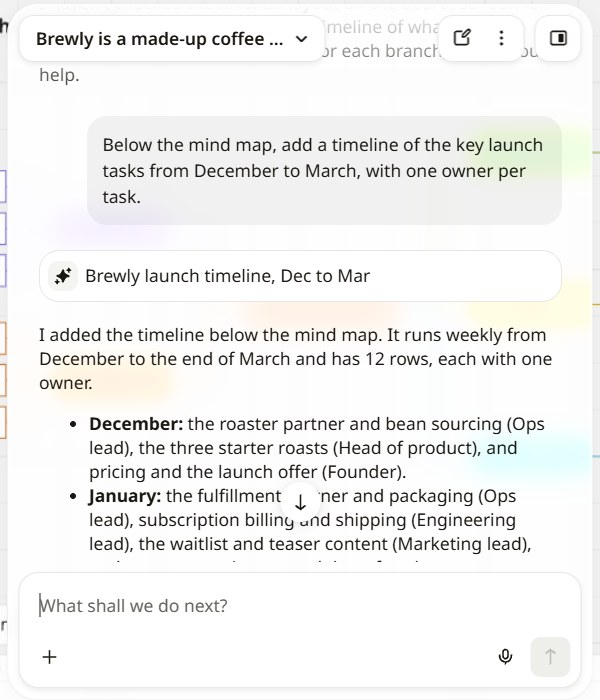
This one took about 50 seconds. Sidekick didn't draw a row of sticky notes. It created a real Miro Timeline, the structured format with dates, rows and fields: 12 tasks on a weekly grid, each with an owner such as "Ops lead", "Head of product" or "Engineering lead".
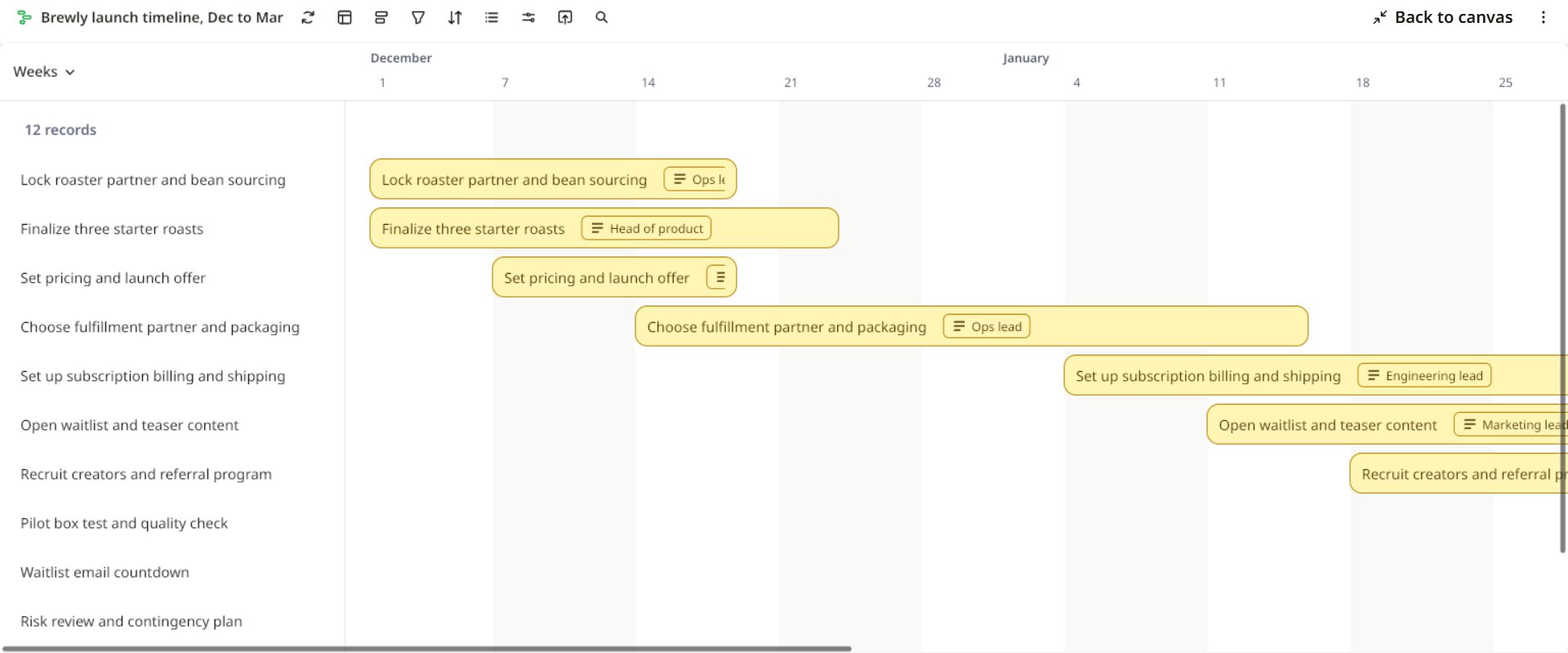
Opened full-size, the timeline behaves like any other Miro Timeline: you can switch the scale, filter, sort and drag bars to new dates. The tasks also matched the mind map: the roaster partner, fulfilment partner and billing setup from the Operations branch all reappear as dated work.
Two limits to know:
- The owners are role titles and the dates are guesses. Sidekick said so: it planned for a launch on 1 March 2027 and asked us to replace the roles with real people and dates.
- Some labels get cut off on the canvas when a bar is short, for example the owner on "Set pricing and launch offer". Opening the timeline full-size shows everything.
What it's good for, and where to be careful
Good for:
- First drafts of plans: a launch plan, an event, a project kick-off. Going from a blank board to a structured mind map and timeline took us under three minutes.
- Turning a messy idea into structure. The mind map gave us a checklist of areas to cover that we could then argue about as a team.
- Staying in one place. The plan, the timeline and the discussion live on the same board, so nobody copies a chat answer into a separate document.
Be careful with:
- Facts and numbers. Anything Sidekick can't know, it invents and flags as a placeholder. Prices, dates and names always need a human pass.
- Owners and dates on timelines. Treat them as a proposal for the team to correct.
- Big boards. Sidekick warned it doesn't check its own layout. Zoom out after each change.
How much AI you get on each plan
AI on the canvas uses credits. As listed on Miro's pricing page on 23 November 2026:
| Plan | Price | AI on the canvas |
|---|---|---|
| Free | $0 | Lets you try Miro AI; 3 editable boards |
| Starter | $8 per member a month, billed yearly ($10 monthly) | 25 AI credits per member a month: about 12 document summaries or 5 diagrams or tables |
| Business | $20 per member a month, billed yearly ($25 monthly) | 50 AI credits per member a month, plus AI workflows and prototypes |
| Enterprise | Custom, from 30 members | From 2,500 credits a month, with admin controls for AI |
Our two prompts on the Free plan ran without hitting a limit. Miro doesn't publish an exact credit number for Free, so if you plan to use Sidekick every day, budget for Starter or Business.
Verdict
Sidekick is the best reason to look at Miro again if you last used it as a plain whiteboard. It doesn't just answer in a chat window: it builds real mind maps and Timelines on the board, and it can build on its own work. It is honest about its limits, too, which is more than many AI assistants manage.
Use it to get from a blank board to a first draft in minutes, then let your team do what it can't: supply the real numbers, names and dates.
Try Miro's Intelligent Canvas freeRelated
- Docs, Slides and Tables in Miro, tested
- Flowcharts in Miro, built with AI
- Miro Flows: AI workflows that turn notes into tasks
- Mind mapping in Miro, by hand and with AI
- Our full Miro review and pricing
- Mermaid diagrams in Miro, tested
Article by Sohail Akhtar, Founder of TheToolsVerse. Tested on 23 November 2026 on Miro's Free plan, in Chrome on Windows 11, using a made-up startup. Claude, the AI assistant we use at TheToolsVerse, ran the test in a browser on our Miro account; the screenshots come from that session. Plan details come from Miro's pricing page, read the same day.
Disclosure: TheToolsVerse is a Miro affiliate and partner. We earn a commission if you subscribe through our links, and Miro may pay us for content. Miro did not review or edit this article. How paid placements work.
Some links may be affiliate links. We may earn a small commission at no extra cost to you.
Related Articles
Explore more guides and reviews from our experts.