Gamma vs Beautiful.ai: Honest 2026 Comparison
I've lost more hours to PowerPoint than I want to admit. Dragging a text box two pixels to the left. Realizing slide 7 used a slightly different blue than slide 6. Re-aligning icons that refuse to snap.
So when people ask me whether Gamma or Beautiful.ai is the better AI presentation tool, I don't answer from a spec sheet. I built the same 12-slide seed pitch deck in both, timed it, and lived with the output. Here's what actually happened.
The short version
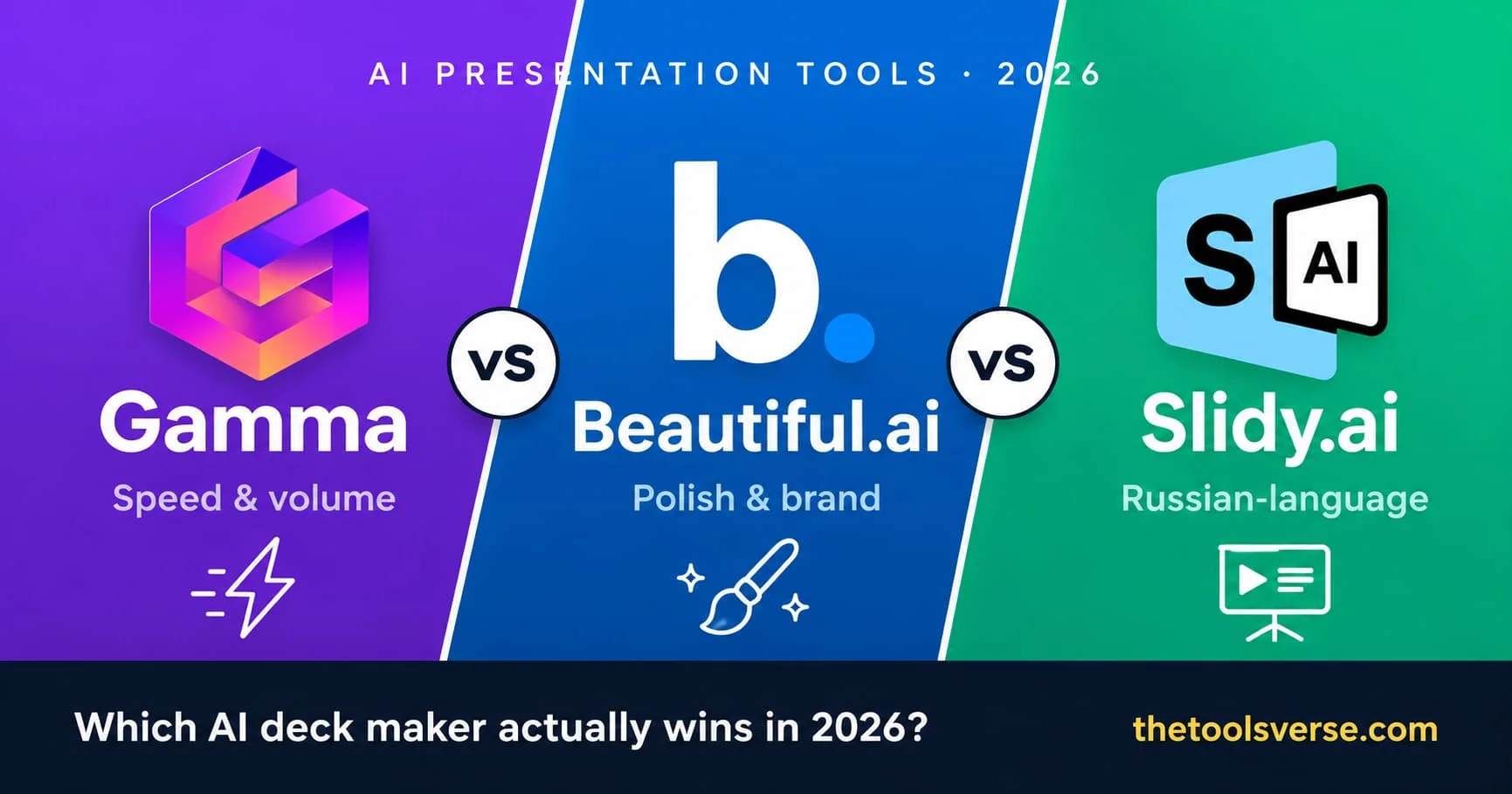
Gamma wins on speed and raw volume — paste a doc, get a full deck in under a minute. Beautiful.ai wins on polish and brand consistency — every slide stays on-grid no matter how much you edit. Slidy.ai is the Russian-language option, and the only one of the three that publishes no pricing at all. Your choice comes down to how often you present, who sees the result, and what language you work in.
Gamma vs Beautiful.ai at a glance
| Gamma | Beautiful.ai | Slidy.ai | |
|---|---|---|---|
| Best for | Speed, volume, solo creators | Polished decks, teams, brand control | Russian-language decks, fast first drafts |
| How it works | Type a prompt → full deck | Smart templates that auto-arrange | Paste text → deck, then a browser editor |
| Free plan | Yes (400 credits) | No (free trial only) | No (1 RUB three-day trial) |
| Starting paid price | ~$10/mo (Plus) | $12/mo (Pro, billed yearly) | Not published |
| Export to PPT | Yes | Yes | Yes |
| Brand/team controls | Pro plan and up | Built into Team plans | Themes and fonts only |
| Learning curve | Almost none | About 20 minutes | Almost none — if you read Russian |
| Interface language | English | English | Russian only |
| My rating | 4.5 / 5 | 4.3 / 5 | 3.8 / 5 |
The test: same deck, both tools
I gave each tool the identical input — a rough one-page outline for a fictional SaaS seed round. No hand-holding, no cleanup beforehand.
Gamma turned it into a complete 14-card deck in roughly 50 seconds. It picked a theme, wrote headlines, pulled in icons, and even suggested a "traction" slide I hadn't written. Two cards needed trimming. One image was generic. But I had something presentable before my coffee cooled.
Beautiful.ai took longer up front — maybe four minutes — because it works differently. You don't get a finished deck dumped in your lap. You pick smart slide templates, and as you type, the layout rebalances itself in real time. Add a fifth bullet and the spacing reflows. Drop in a logo and it resizes to fit. Nothing ever looks broken because the tool simply won't let a slide go off-grid.
That's the core philosophy difference, and it matters more than any feature list.
"Gamma generates a deck for you. Beautiful.ai stops you from ever making an ugly one. Those are two genuinely different products, not two versions of the same thing."
Gamma: the speed play
Gamma is what I reach for when I need something fast and the audience is internal — a team update, a quick client recap, a workshop outline. You paste notes or type a prompt, and the AI handles structure, layout, and visuals end to end.
Pros & Cons
Pros
- +Fastest start in the category — full deck in under a minute
- +Generous free plan (400 credits to actually test it)
- +Makes presentations, docs, and webpages from one editor
- +Output scrolls like a modern site, not just slides
- +Genuinely no learning curve
Cons
- −Less precise brand control on lower tiers
- −AI-picked images can feel generic and need swapping
- −Heavy custom formatting fights the auto-layout a bit
Where Gamma earns its keep is volume. If you publish presentations weekly — course creators, agencies, founders doing constant updates — the time saved compounds fast. The free plan is also no joke: 400 credits is enough to build several real decks before you decide anything.
Try Gamma free
Paste your notes and watch it build a full deck in seconds. No card required to start.
See Gamma on ToolsVerseBeautiful.ai: the polish play
Beautiful.ai is the one I recommend when the deck leaves the building — investor pitches, sales decks, client-facing proposals, anything where a misaligned logo quietly costs you credibility.
The magic is what they call DesignAI: every template is a set of smart rules. You focus on the words and the data; the tool guarantees the spacing, hierarchy, and alignment stay right. For teams, this is the real selling point — you can lock brand colors, fonts, and logos so a junior teammate physically can't ship an off-brand slide.
Pros & Cons
Pros
- +Every slide stays perfectly aligned, automatically
- +Best-in-class brand and team controls
- +Smart templates make data slides genuinely easy
- +Cleaner, more 'designed' final look out of the box
- +Strong for client-facing and investor decks
Cons
- −No permanent free plan — trial only
- −Slower to a first draft than Gamma
- −Fewer wild creative layouts; it favors consistency
If your work depends on looking buttoned-up — and especially if more than one person touches the deck — this is where Beautiful.ai pulls ahead. The payout for you is fewer revisions and a result that looks like a designer touched it.
Build a polished deck with Beautiful.ai
Smart templates keep every slide on-brand and perfectly aligned — no design skills needed. Start your free trial.
Try Beautiful.ai FreeSlidy.ai: the Russian-language option
Slidy.ai works the way Gamma does — paste text, get a deck — but it is built for a different audience, and that shapes everything about whether it fits you.
You hand it a block of text or an outline. It writes the structure, fills the slides, applies a theme, and drops the result into a browser editor where you can change themes, colours, fonts, animations and transitions without exporting first. There's a template library organised by category, and you can pull images and video into slides. Decks export as PPTX and PDF, so they open in PowerPoint, Google Slides and Keynote like anything else in this comparison.
Two things separate it from the other two, and you should know both before you sign up.
The interface is Russian-only. When I checked in August 2026, neither the homepage nor the catalogue offered an English version. If you don't read Russian, that's the whole review — export quality doesn't matter much when you can't navigate the editor.
And Slidy.ai publishes no pricing page. Not on the site, not in its sitemap, not anywhere search engines have indexed it. The homepage says «Создавайте бесплатно!» — create for free — but the checkout asks for a three-day trial at 0.33 RUB per day, charged as a single payment of roughly 1 RUB, which then converts to a paid subscription automatically at a rate the vendor doesn't disclose. I could not find that figure anywhere. That's the single biggest mark against it here, and it's the reason it sits third in this comparison rather than higher.
Pros & Cons
Pros
- +Turns pasted text into a structured deck without manual slide building
- +Full in-browser editor, so you can rework a deck without exporting first
- +Exports to PPTX and PDF, so decks open in PowerPoint and Google Slides
- +Template library by category, plus image and video upload
- +The trial costs about a rouble, so you can judge the output cheaply
Cons
- −Interface is Russian-only — no English version as of August 2026
- −No pricing page: the rate after the trial isn't published anywhere
- −Markets itself as 'free' while the checkout charges for a three-day trial
- −The trial auto-renews rather than asking you to opt in
- −Billing in roubles limits access outside those payment rails
For a Russian-speaking user who wants a fast first draft and will finish the polish in PowerPoint, a one-rouble trial answers the question quickly and cheaply. For everyone else, the language barrier and the missing price are hard to get past — and I'd rather tell you that than pretend otherwise.
See Slidy.ai for yourself
Paste your text and it builds the deck, then hands it to a browser editor. Russian-language interface — check the trial terms at checkout before you commit.
Visit Slidy.aiPricing, honestly
Both tools price around the same entry point, but the shape is different.
| Plan | Gamma | Beautiful.ai | Slidy.ai |
|---|---|---|---|
| Free | 400 credits, real usage | Trial only | None |
| Entry paid | ~$10/mo (Plus) | $12/mo (Pro, yearly) | Not published |
| Team / brand | Pro tier | Team plan, per seat | Not published |
| Billing feel | Credit-based | Flat per seat | 1 RUB trial, then auto-renews |
Gamma's free plan lets you genuinely commit work before paying — great if budget is tight. Beautiful.ai asks for the trial commitment up front, but you're paying for a guarantee: no slide ever looks wrong. For a sales team or an agency billing clients, that guarantee is cheap.
Which one should you pick?
Here's the decision I'd actually give a friend:
- You present constantly and mostly internally → Gamma. The speed and free plan win.
- Your deck goes to investors, clients, or buyers → Beautiful.ai. The polish pays for itself.
- You're a team that needs everyone on-brand → Beautiful.ai, no contest.
- You're a solo creator testing the waters → Start on Gamma's free plan, graduate to Beautiful.ai when the stakes rise.
- You work in Russian and want a fast first draft → Slidy.ai is worth the one-rouble trial, as long as you read the renewal terms at checkout first.
Honestly? A lot of people end up using both — Gamma to draft fast, Beautiful.ai to polish the ones that matter. There's no rule against owning two screwdrivers.
My pick for most readers
If you only try one this week, make it the one that matches your next deck. Internal update — Gamma. Pitch or client deck — Beautiful.ai. Match the tool to the stakes and you'll never regret the subscription.
Frequently Asked Questions
Is Gamma or Beautiful.ai better for pitch decks?
Beautiful.ai is the stronger pick for pitch decks. Its smart templates keep every slide aligned and on-brand, which matters when investors are judging your attention to detail. Gamma is faster but gives you less precise control over the final polish. For a deck that decides funding, the extra few minutes in Beautiful.ai is worth it.
Does Gamma have a free plan?
Yes. Gamma gives you 400 credits at signup, which is enough to build several real presentations, documents, or webpages before deciding to upgrade. Beautiful.ai does not have a permanent free plan — it offers a free trial only.
Can I export Gamma and Beautiful.ai decks to PowerPoint?
Both tools export to PowerPoint (PPTX) and PDF. Gamma also exports to PNG and Google Slides. If PowerPoint compatibility is critical for your workflow, you're covered either way.
Which is easier for a complete beginner?
Gamma has almost no learning curve — you type a prompt and a deck appears. Beautiful.ai takes about 20 minutes to understand its smart-template approach, but once it clicks, it actively prevents design mistakes, which arguably makes it more forgiving for beginners producing client-facing work.
Where does Slidy.ai fit against Gamma and Beautiful.ai?
Slidy.ai is the Russian-language option of the three. It generates decks from pasted text much like Gamma does and exports to PPTX and PDF, but its interface has no English version, and it's the only tool here that publishes no pricing — the three-day trial costs about 1 RUB and then renews automatically at an undisclosed rate. If you read Russian and want a cheap first draft, it's worth a look. If you don't, Gamma covers the same job in English with a real free tier.
Is Beautiful.ai worth it over free tools?
If your presentations are seen by clients, investors, or buyers, yes. The brand controls and automatic alignment save revision cycles and protect how your work looks. For casual internal decks, a free tool like Gamma is enough. Match the spend to who sees the result.
Final verdict
Gamma and Beautiful.ai aren't really competitors — they're two answers to two different questions. "How do I make a deck fast?" points to Gamma. "How do I make a deck that looks like a pro made it?" points to Beautiful.ai.
Pick by your next presentation, not by the feature list. And if you do high-stakes decks regularly, Beautiful.ai is the one I'd put my own money behind.
Compare more AI presentation tools
Browse verified AI presentation makers, ranked by real use cases, in our directory.
Explore Presentation ToolsArticle by Sohail Akhtar, Founder of TheToolsVerse. Last updated August 2026.
Some links are affiliate links. If you buy through them, we may earn a small commission at no extra cost to you — it's how we keep the directory free.
Slidy.ai paid for its inclusion in this comparison and for its listing on TheToolsVerse. That paid for a place in the piece and nothing else: its rating, its pros and cons, its position here and the final verdict below were written by us and were not agreed with the vendor. Every factual claim about Slidy.ai above comes from our own check of its website on 27 August 2026, not from material it supplied. How paid placements work.
Some links may be affiliate links. We may earn a small commission at no extra cost to you.
Related Articles
Explore more guides and reviews from our experts.