How to Submit Your AI Tool to Directories (2026 Checklist)
Short answer: write one submission kit (name, one-line pitch, a 50-word and a 150-word description, category, pricing with exact free-plan limits, logo, three screenshots, a demo link and a contact email), check every price in it against your own pricing page, then submit to the directories whose readers match your buyers, starting with those that have the longest queues. Keep a sheet of where you submitted, and update every listing when your pricing changes.
That's the whole process. The rest of this guide is the detail that makes it take one afternoon instead of a week.
What to expect
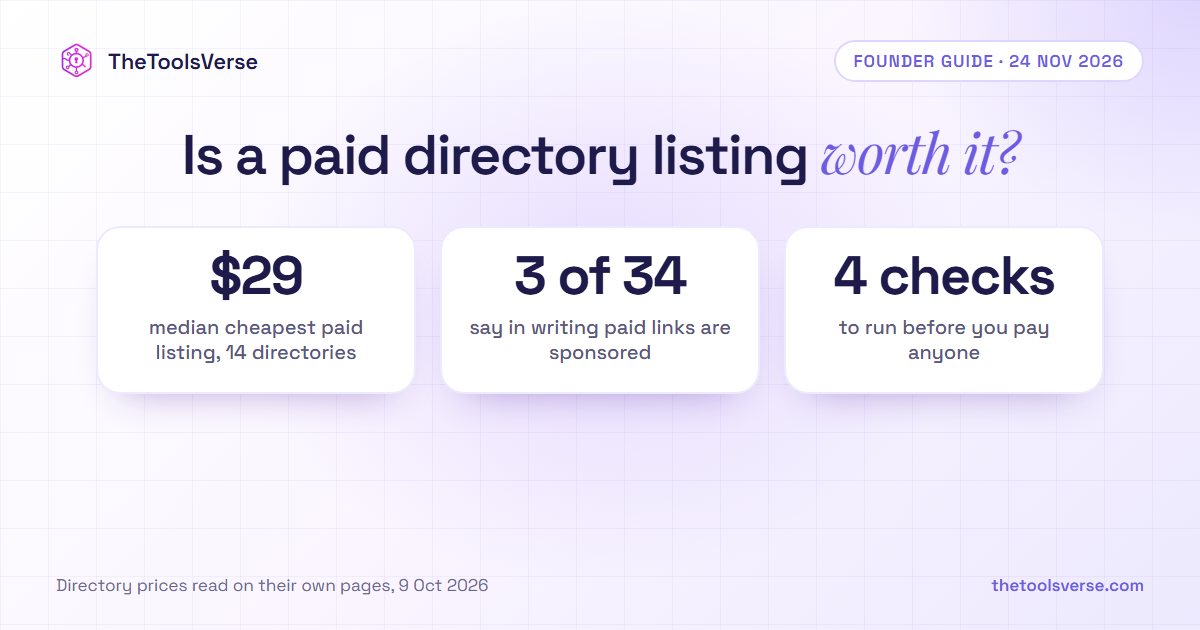
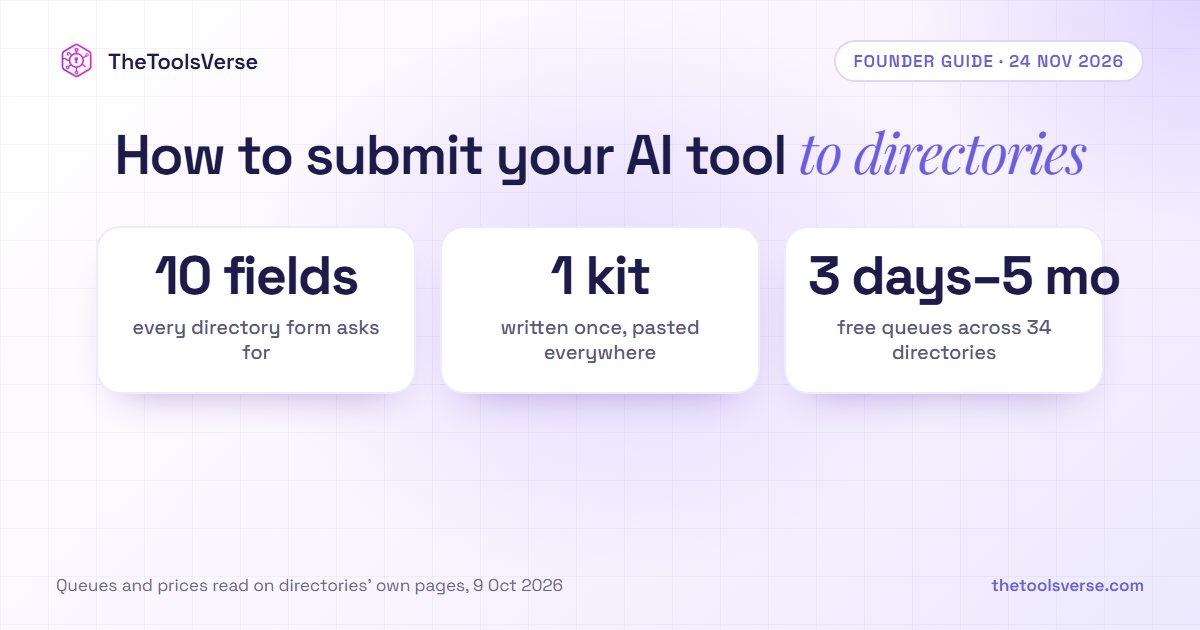
• Queues vary enormously. In our check of 34 AI tool directories (9 October 2026), free queues ran from 3–5 business days to five months. • "Free" often has a condition. 13 directories offered a free route; four of them required a badge or a link back on your site. • Paid is usually cheap. The cheapest paid listing ranged from $9.99 to $99, with a median of $29. • Accuracy decides approval. Directories that check listings by hand reject or delay entries whose prices don't match the vendor's own site.
Step 1: Build your submission kit once
Every directory form asks for some version of the same ten fields. Write them once in a document and paste from it everywhere:
| Field | What to write | Tip |
|---|---|---|
| Tool name | Exactly as on your site | Same capitalisation everywhere, so AI assistants see one entity |
| Website URL | Your product or landing page | Add UTM tags per directory, e.g. ?utm_source=thetoolsverse |
| One-line pitch | Under 60 characters: what it does, for whom | "AI meeting notes for sales teams", not "The future of work" |
| Short description | ~50 words | Task, user, main outcome |
| Long description | ~150 words | Add 3–4 core features and one concrete use case |
| Category | The one main job your tool does | Pick the primary job, not every possible use |
| Pricing | Every plan with its price and billing period | Copy from your own pricing page, word for word |
| Free plan limits | The exact numbers: credits, seats, exports, watermark | Say "7-day trial" if that's what it is, never "free" |
| Media | Square logo (PNG, 512px+), 3 screenshots, optional demo video | Screenshots of the product working, not marketing slides |
| Contact | An email someone reads | Editors ask questions, and a slow reply delays the listing |
The pricing row is where most submissions fail. If your form says "free" and your pricing page says "14-day trial", a careful editor will either correct it or reject it. Either way you lose time.
Step 2: Choose where to submit
More isn't better. A shorter list of directories your buyers actually read beats 200 low-quality sites. Prioritise:
- Directories that publish comparisons and alternatives in your category. Their readers are already choosing a tool.
- Directories that AI assistants cite. When we asked five assistants where to submit an AI tool, they kept naming the same group: Product Hunt, Futurepedia, There's An AI For That, Toolify, then Hacker News, BetaList, Uneed and Indie Hackers.
- Directories that check listings by hand. They take longer, but their pages carry accurate information, and that's what readers and AI assistants trust.
Our checked list of 34 AI tool directories shows each one's price, free route and real link type.
Step 3: Submit in the right order
- Longest queues first. If a free queue runs for months, submit there today so it lands near your launch, not after it.
- Launch platforms on launch day. Product Hunt, Show HN and similar communities reward a coordinated launch day, not a quiet submission.
- Paid fast-tracks for fixed dates. If you're launching on a set date, paying to skip a long queue is often the cheapest part of the launch.
Step 4: After approval
- Open the live page. Check the link works, the category is right and the prices are current.
- Log it. Keep a simple sheet: directory, date submitted, date live, URL of your listing, link type, login.
- Measure. Use the UTM tags to see which directories send people who sign up, not just people who click.
- Keep it current. When you change pricing, update every listing. An outdated price on a directory page is a reason for a reader to distrust you.
How to submit to TheToolsVerse
Go to Submit a tool and paste your kit. A person checks every listing against your own pages, including pricing and exact free-plan limits, before it goes live. You can choose:
- Free: your own page, checked and live on your launch date, with no link back required. Free listings wait about 60 days.
- Fast-track ($29): a full editor-written review page, live within 48 hours.
- Enhanced ($49 per 30 days): a long-form profile with media and a homepage rotation spot. No auto-renewal.
- Launch Kit ($199): everything in Enhanced, plus a permanent spot in a comparison article and 60 days as the labelled Featured Partner on your category page.
Not sure whether paying is worth it? Read our honest guide: Is a paid featured listing worth it?
Submit your AI tool
Paste your kit, pick free or paid, and a person checks your listing against your own pricing page before it goes live.
Submit a toolFrequently Asked Questions
How long does it take to get an AI tool listed in a directory?
Do I need to pay to submit my AI tool to directories?
How many directories should I submit my AI tool to?
What category should I choose?
Can I update my listing after it is approved?
Some links may be affiliate links. We may earn a small commission at no extra cost to you.
Related Articles
Explore more guides and reviews from our experts.